 TeachEd
Plan the lesson, teach it on a shared board, send homework and keep notes on every student. One place for all of it.
Plan the lesson, teach it on a shared board, send homework and keep notes on every student. One place for all of it.
Worksheets in one app, the call in another, notes in a notebook, and the lesson starts at 9:00. TeachEd keeps the plan, the board, the homework and your notes in one place.
What you covered with Masha, the mistakes she repeats, the words she missed. Saved per student, visible only to you, and shown before her next lesson.
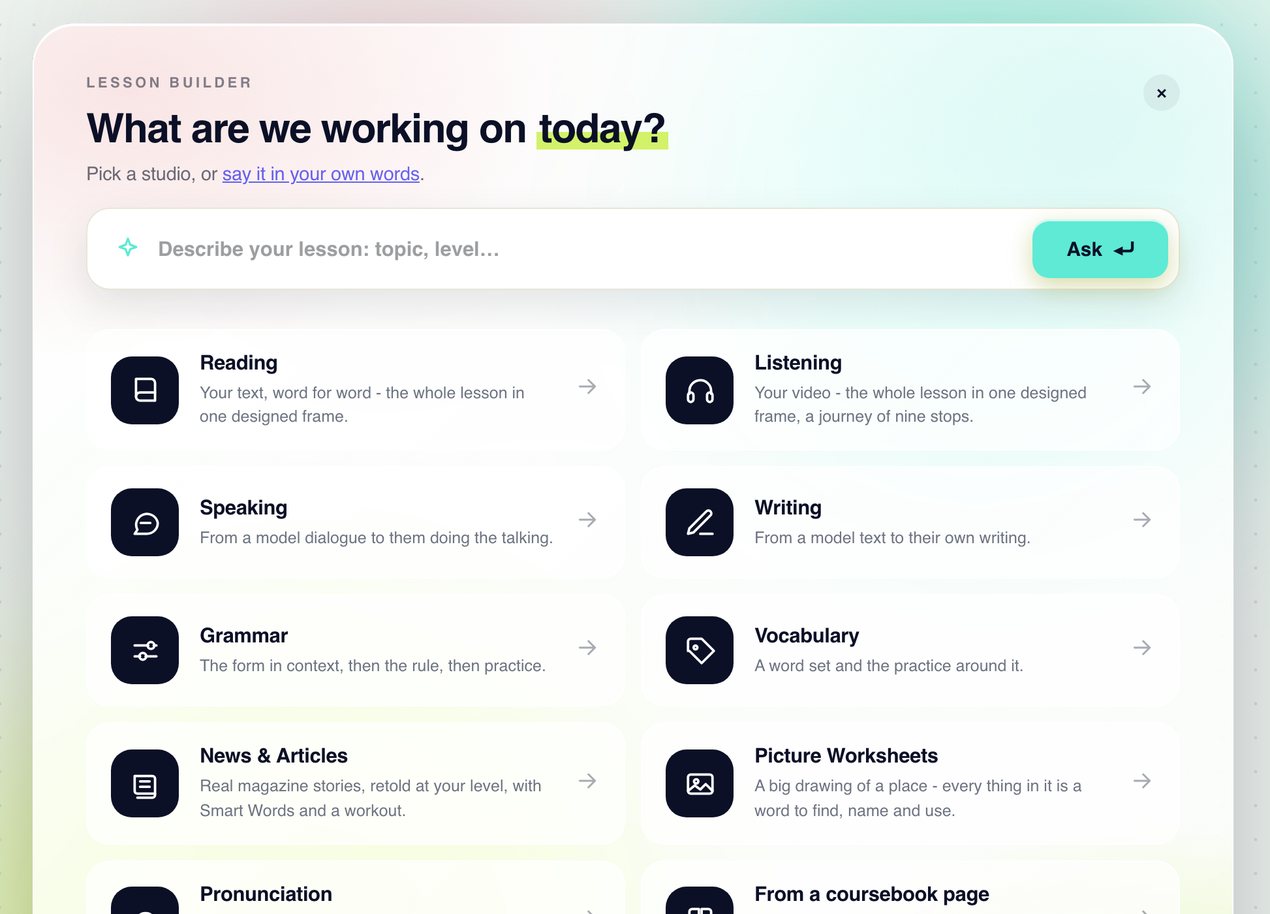
Start from one of eight studios, a ready lesson chain or a page of your textbook. The assistant drafts activities at the right level. You edit and approve before students see anything.
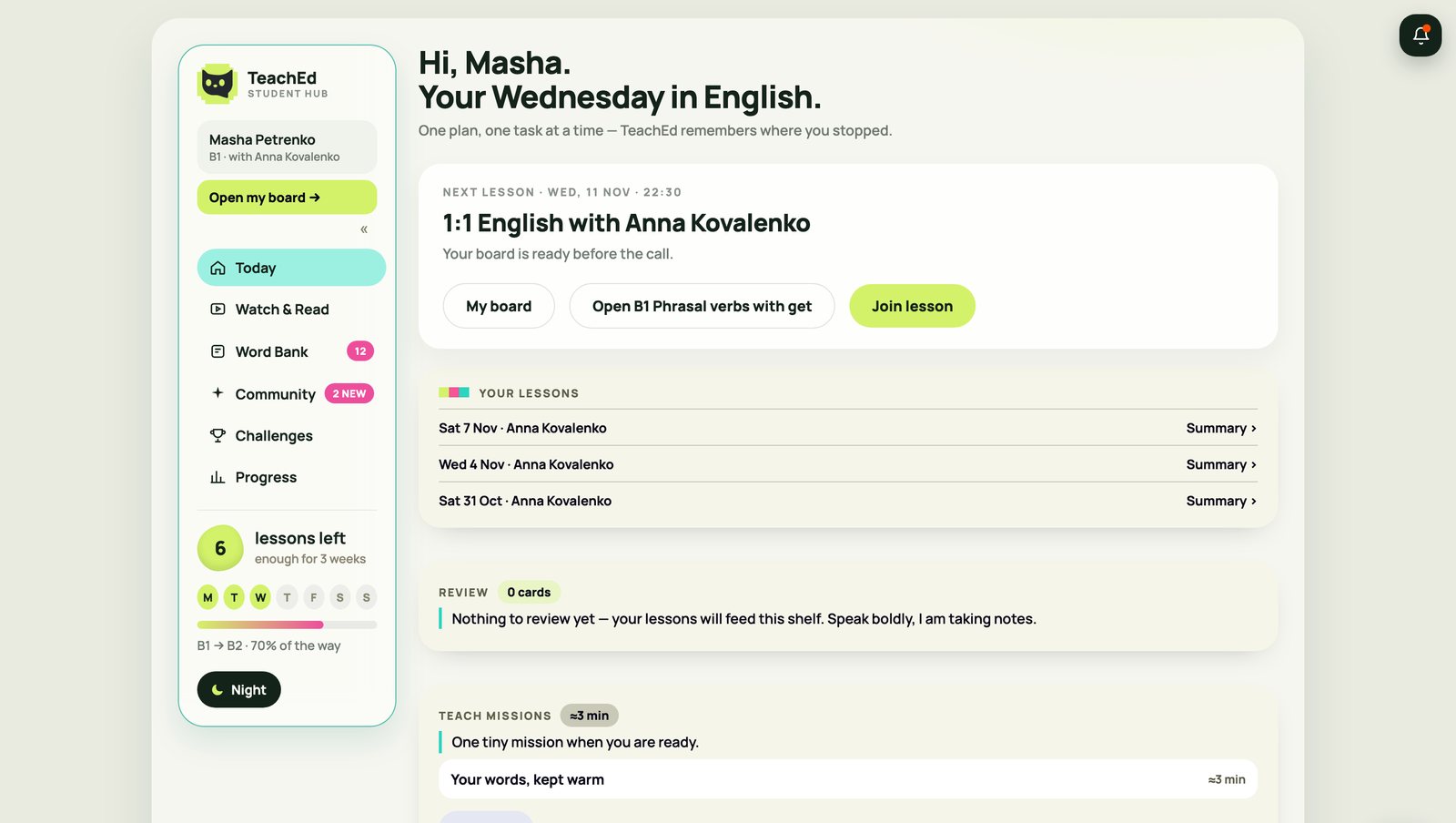
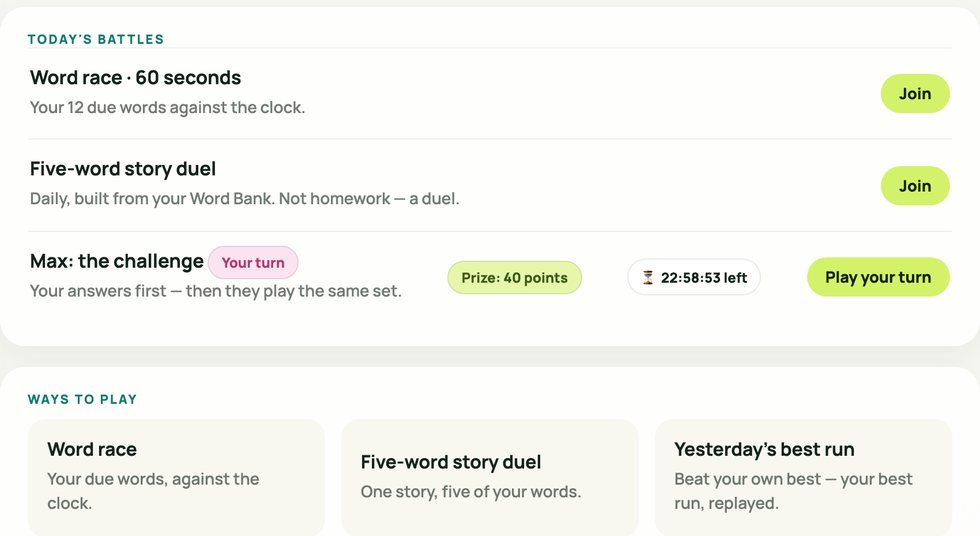
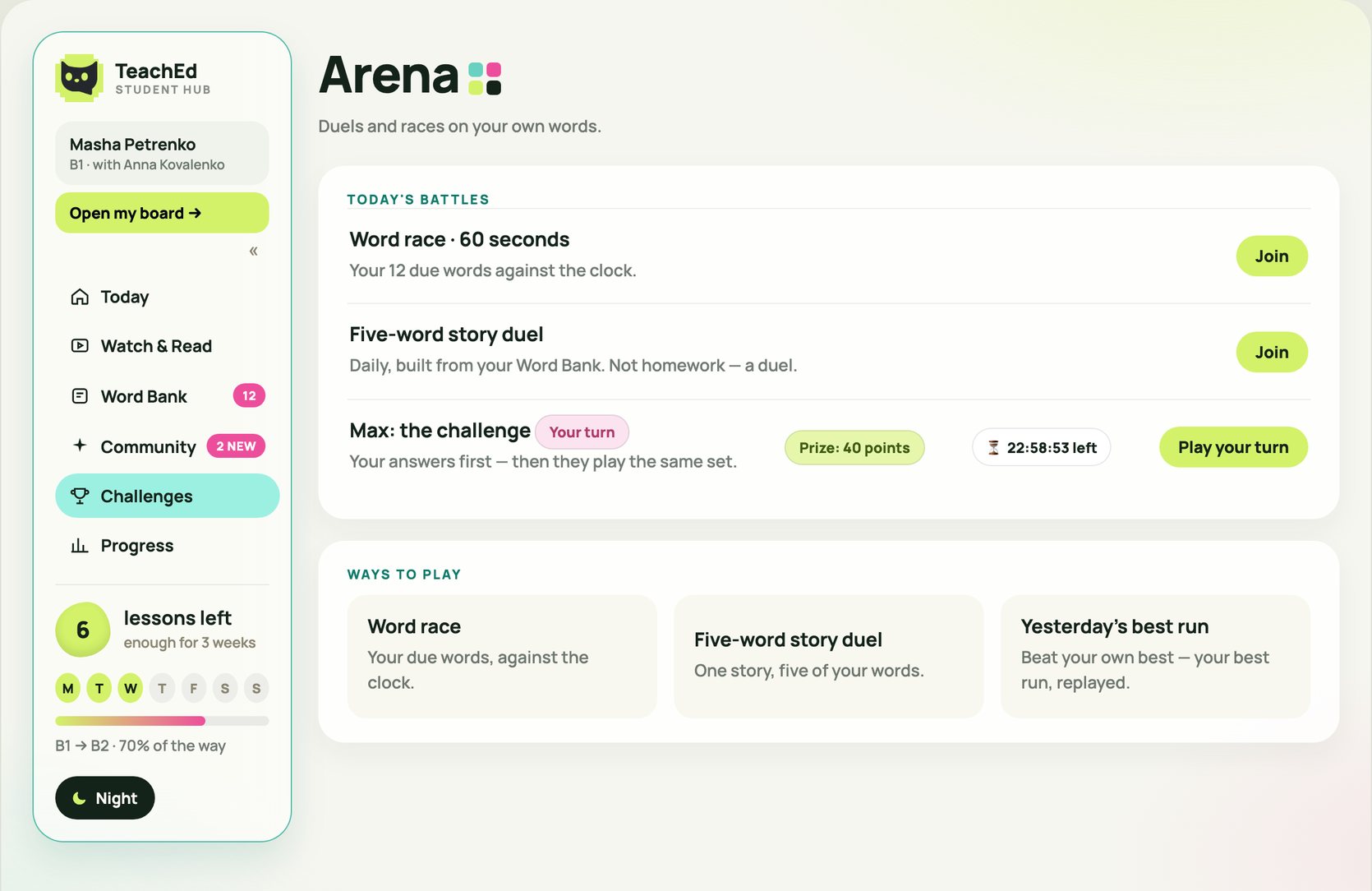
Short videos at their level, a word bank that brings words back until they stick, daily challenges and duels with classmates.
Pick a studio, a lesson chain or a lesson from Community, or describe it in one sentence. You can also import a page from your textbook.
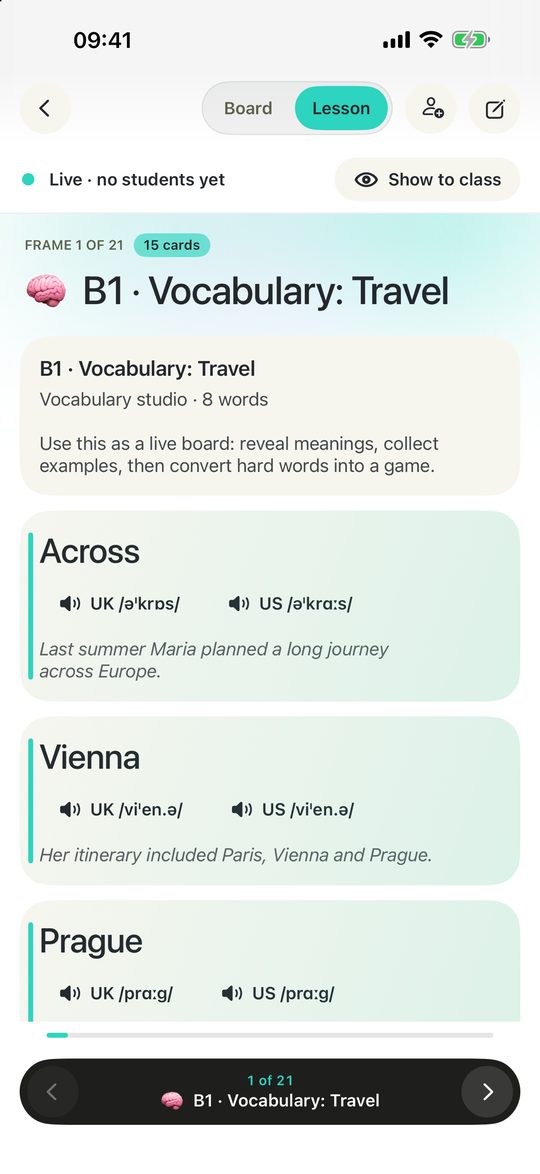
You and your student work on the same board and see each other’s cursor. Keep the video call in Zoom or wherever you have it.
Answers come pre-checked, you approve them. Words a student got wrong go to their word bank and come back until they stick.
Ask in plain words. It knows your students, your boards and CEFR levels, and drafts the lesson, the homework and the follow-up. Nothing goes to students until you approve it.
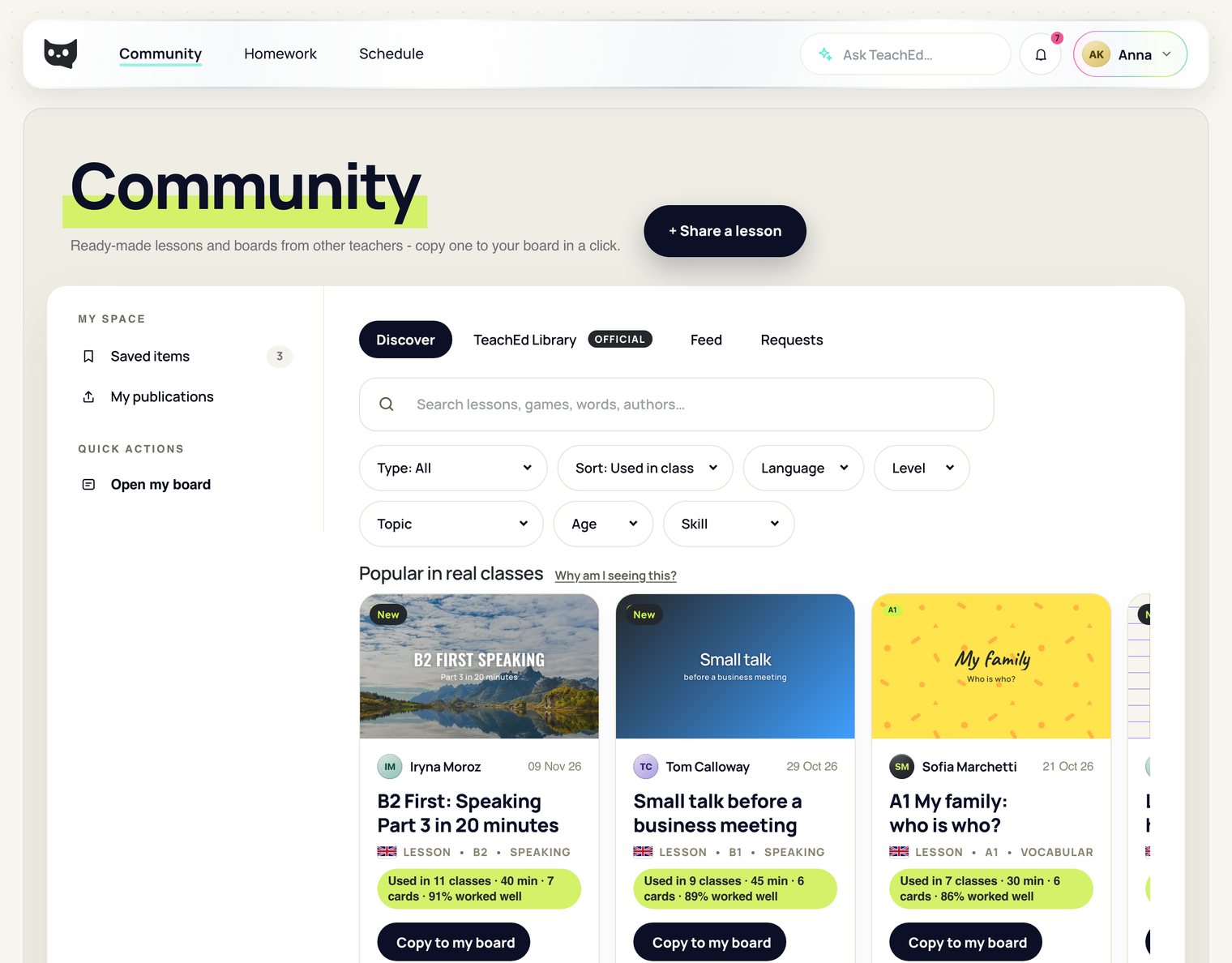
Lessons and games shared by teachers on TeachEd, ranked by how often they were taught in class, not by downloads.
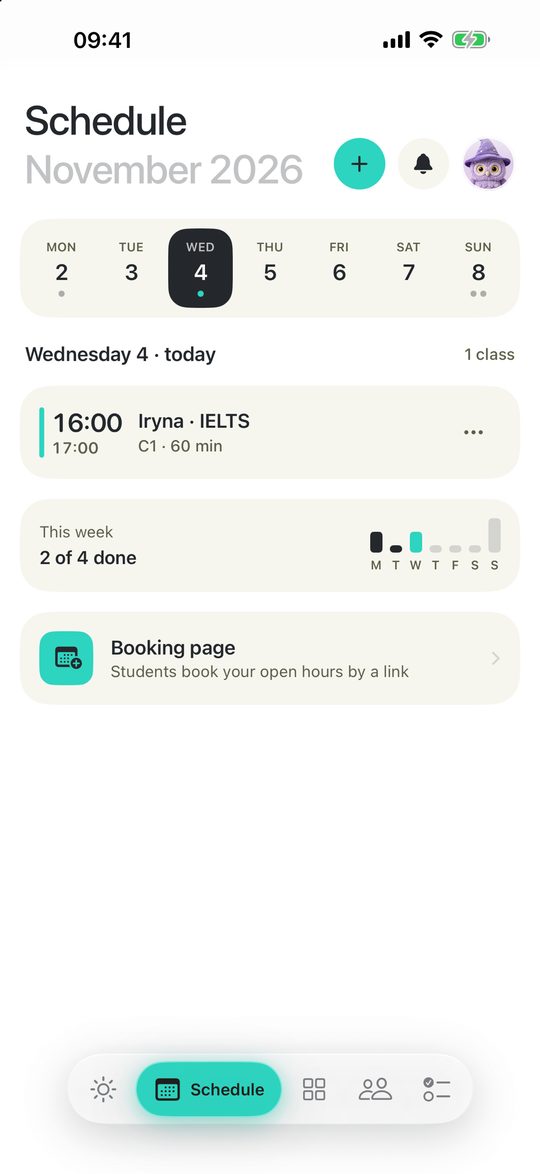
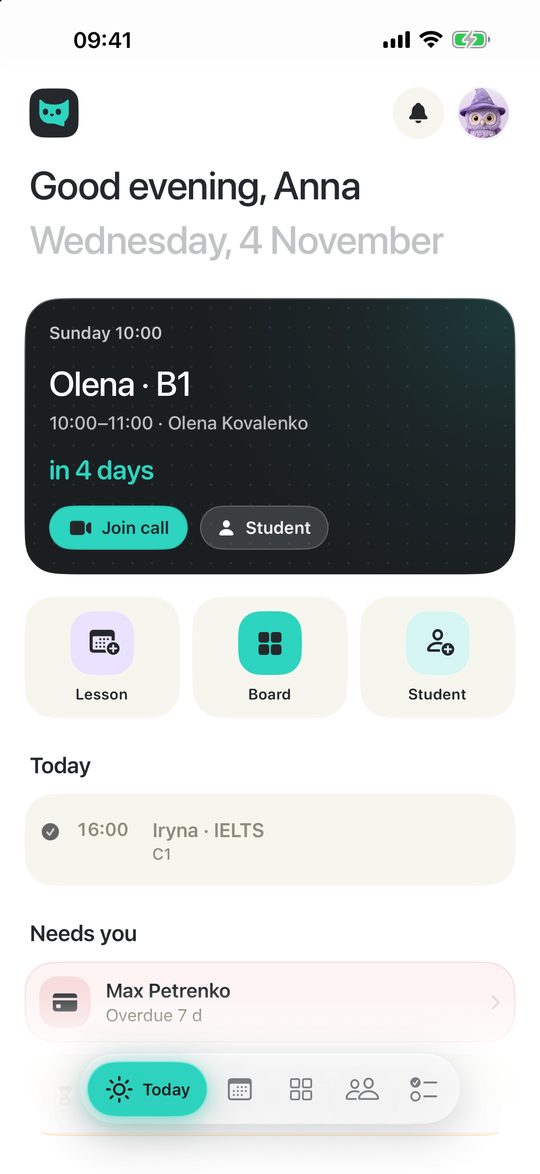
Today’s lessons, the live board, homework to check and your students. Same account as on the web.
Teachers start free and move to Pro when they need more boards and students. Students never pay.
Set up your first boards and try the student side.
For teachers with weekly classes.
For schools and small teams.
Prices in USD, cancel anytime.
A shared library, and every teacher’s boards and students in one admin view under your school’s name.
Talk to usThe video call stays where you have it, for example Zoom. TeachEd is the board, the materials, the homework and the notes you use alongside it.
Yes. Your notes, a student’s mistakes and progress are visible only to you. Students see their own hub, words and results.
Yes. The Book Page Importer turns a textbook page into activities you can edit, put into a lesson and assign.
TeachEd is made for language teaching at CEFR levels A1–C2, and every activity has a level.
No. Import documents, PDFs and board exports, and TeachEd turns them into editable lessons with activities and homework.
Make your next lesson in TeachEd.